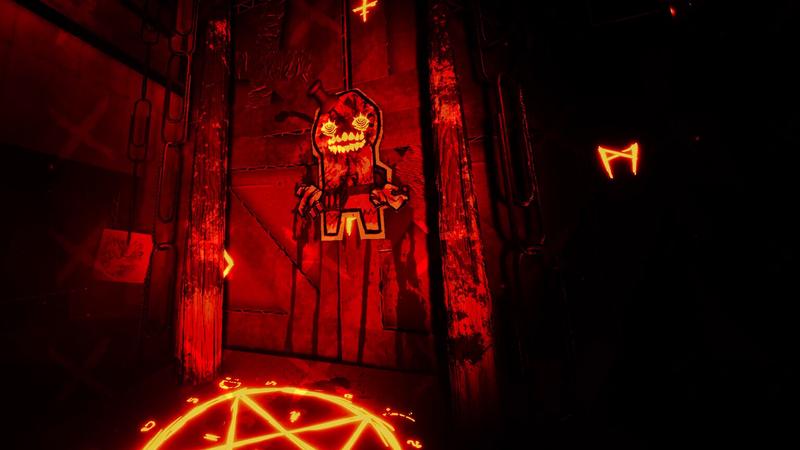
PAPERHEAD getting started
Learn kick, bomb drawing and weapon bindings, then practise a fresh erase input to parry. In v51, holding erase no longer keeps a parry active. New Game starts without guns, clips and upgrades.
Start PAPERHEAD by learning movement, the pencil's bomb-and-kick loop and your weapon bindings. On the current v51 build, add one new habit immediately: time the start of erase to parry; holding it no longer keeps the parry active.
Set up the first session
Read the controls for kicking, drawing, erasing, weapon switching and secondary fire. Controller support is listed for the full game; if a connected gamepad is taking over keyboard input, earlier patches added an option to disable gamepad detection. Mouse-scroll rebinding was addressed in v50.
Start with the campaign you want to continue. New Game in v51 starts the campaign without guns, clips and upgrades. Choose it for a fresh run, rather than expecting it to preserve your existing loadout while repairing a single encounter.
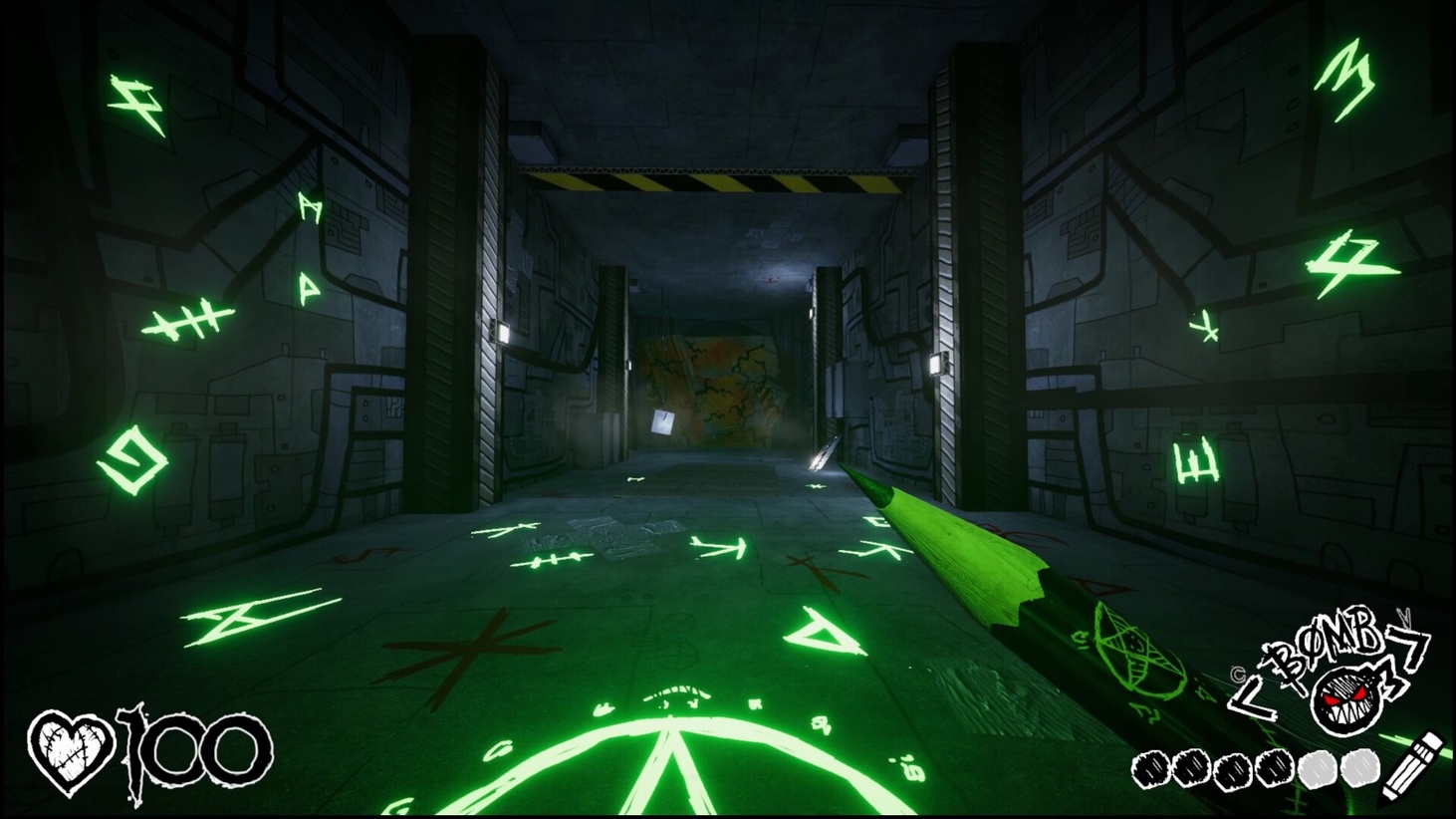
Learn one room before chasing every secret
- Look for an explosive barrel. Kick useful props towards enemies before spending ammunition on the same opening.
- Keep moving after the opening. Tosses and stomps belong to the movement loop; standing still gives up that room.
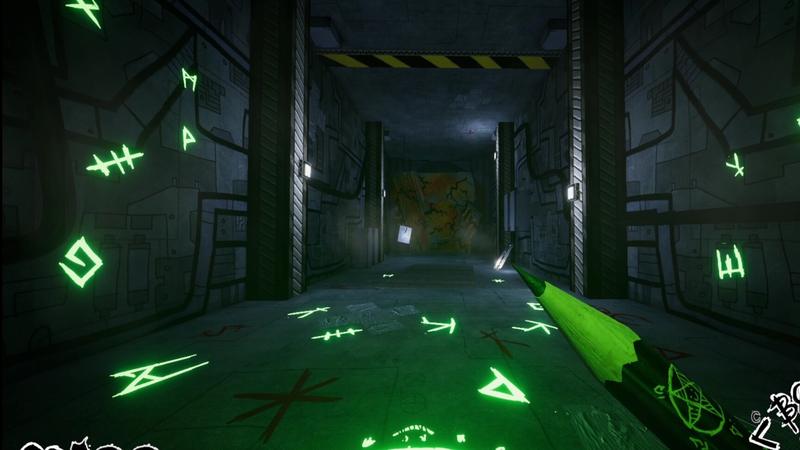
- Try a pencil bomb. Sketch it, then kick it. Practise the complete sequence rather than stopping after the drawing appears.
- Use a firearm when the drawing opportunity has passed. Keep the selected weapon and its secondary action clear in your mind.
- Practise a fresh erase input. In v51, a parry is the opening of that animation, not the length of the hold.
- Check the result, then change one action. A mistimed erase and a wrong weapon binding require different corrections.
The combat guide expands these decisions. The pencil guide separates drawable doors, bombs, writing and the changed parry.
Keep the two clip currencies separate
| Currency | Purpose | Early decision |
|---|---|---|
| Regular clips | Health, ammunition, armour and additional weapons; also a costly skill-point purchase | Refill what you actually use before spending everything on another option |
| Golden clips | Ability and weapon upgrades, including optional prop-carry | Explore secrets, then choose an upgrade that fits how you play |
The shops are part of the full game. EP.0 and the earlier demo do not establish the same spending loop. On v50 and later, Golden Buddy costs 50 gold and 5,000 regular currency, so check both balances before committing to that purchase. Upgrade details.
What v51 adds after the basics
Akimbo, wave survival and Nightmare 1 give you more ways to play. The update also introduces Incinerator alt-fire, a weapon-spin button, more weapon animations, a death cam and a statistics screen.
Try the new actions separately before combining them with a harder difficulty. A wave-survival session and continuing the campaign have different goals; pick the session you mean to play. Launch-week footage of Survival timer or prop-jump exploits predates fixes that closed them.
If the first run seems broken
| Problem | Next action |
|---|---|
| Erase worked differently in a video | Use the v51 opening-frame parry rule |
| A connected pad keeps taking input | Check the gamepad-detection setting |
| A mouse-wheel binding will not behave like an old guide | Update past the v50 rebinding fix and inspect the current binding |
| You are burning | Healing or serum extinguishes fire on v50 and later |
| A campaign exit will not register | Check the level 3, 10, 11 and 17 entries in the patch guide |
| The sewer run fails after toxic goo | The level-11 soft-lock fix is in v50; update before repeating an older build |
Keep an existing campaign separate from testing a fresh-loadout New Game. The patch table is the first stop for the named campaign failures; the EP.0 and demo comparison explains which older slice a recording uses.
Sources: official v51 update and the developer's Steam announcements.